How to Set Up Apollo IPTV on Firestick: Full Walkthrough
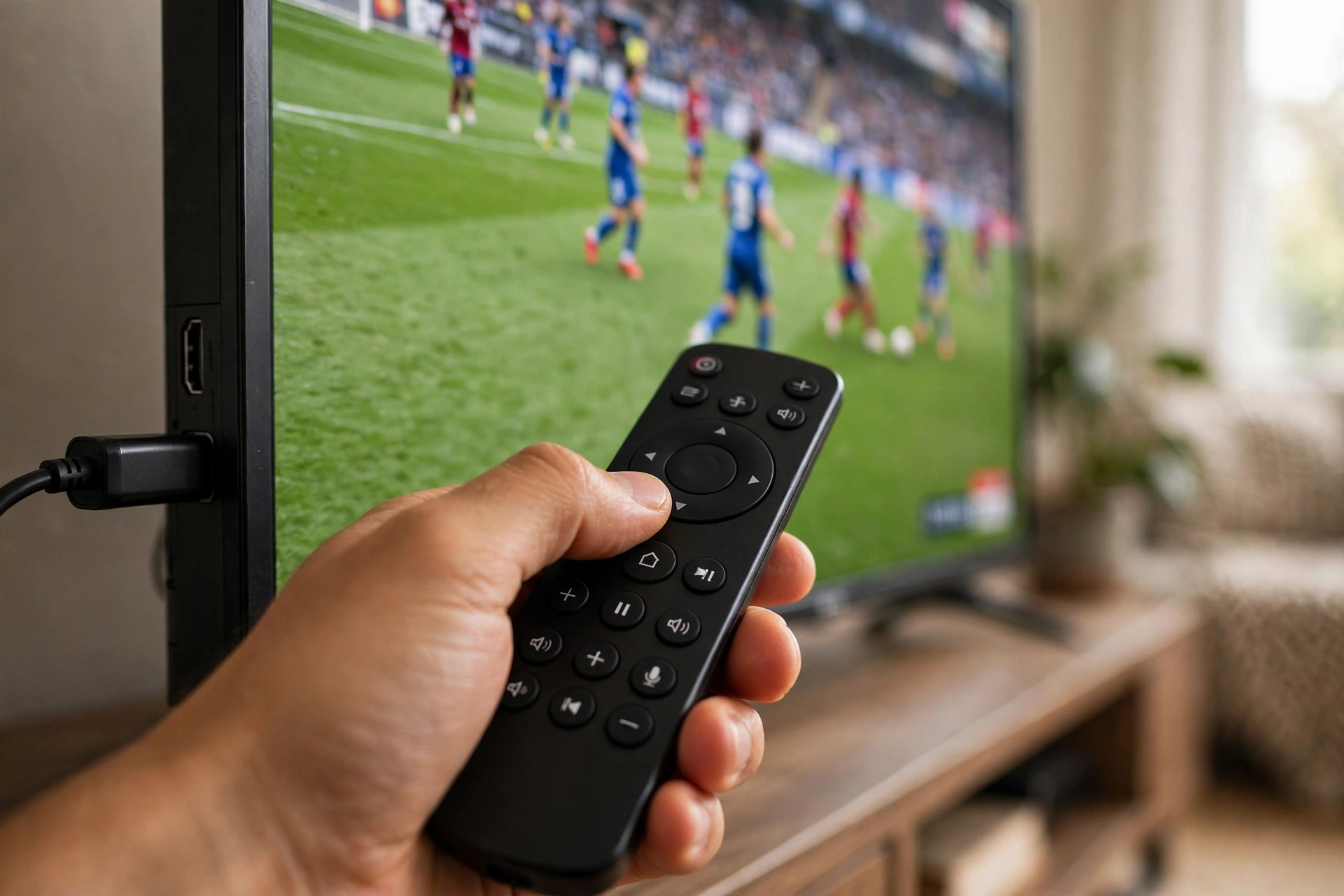
Quick Answer: 4K Media TV is the service this Firestick walkthrough is built around: order the free 24-hour trial on WhatsApp, install a standard IPTV player from the Amazon Appstore, sign in with the login you receive, and you are watching 57,000+ channels within about ten minutes.
4K Media TV is a premium IPTV subscription service with 57,000+ live channels and 185,000+ movies and series in up to 4K quality. Premium plans are one-time payments: $19.99 for 1 month, $39.99 for 3 months, $59.99 for 6 months and $99.99 for 12 months for one device, with multi-device options up to 4 devices. Every plan starts with a free 24-hour trial, orders are ready within 10 minutes to 8 hours, and ordering and support run through WhatsApp.
This walkthrough sets up Apollo-style IPTV on a Firestick the clean way: no jailbreak talk, no sideloaded files, just the Appstore player and a login. The login used in every step is a 4K Media TV one — the service this guide recommends — and the first step gets you one free.
Step 1: Get your login (free trial)
Tap any WhatsApp button on this site and send the pre-filled message. Your free 24-hour trial is activated within 10 minutes to 8 hours, and you receive a username, password and server address. Keep that message open on your phone; you will type from it in step 3.
Step 2: Install the IPTV player app
- From the Firestick home screen, open Find → Search.
- Search for a standard IPTV player app (your WhatsApp confirmation names the recommended one for your plan).
- Select it, choose Download, and wait for the install to finish.
- Open the app once so it creates its folders — then close it.
Step 3: Sign in with your trial details
Open the player, choose the login/playlist option, and enter the server address, username and password exactly as they arrived — these fields are case-sensitive, and the Firestick on-screen keyboard is the number one source of setup mistakes. Type slowly, double-check the server address, then confirm.
Step 4: Let the library load, then organise
First sign-in pulls down the full catalogue: 57,000+ live channels and 185,000+ movies and series. Give it a few minutes on Wi-Fi. Afterwards:
- Favourite the channels you actually watch so they sit at the top.
- Hide groups you never open (shopping, test channels) to make menus faster.
- Set the EPG (TV guide) to update on launch so listings stay current.
Step 5: Apply the two anti-buffer settings
In the player settings, set the buffer size to large and the stream format to the default/HLS option your confirmation message recommends. These two changes, plus the checks in our buffering fix guide, remove most first-night stutter.
Watching on a TV instead of a stick?
If your television is a Samsung, LG or Android TV, you can skip the stick entirely — our Smart TV setup guide covers the built-in app stores. And when the trial impresses you, the pricing grid shows every duration and device count, including a second device for the bedroom stick.
Stay safe while streaming
Add a VPN to the Firestick before your first evening session: it encrypts your traffic, keeps your viewing private from your internet provider and can prevent the throttling that makes 4K streams stutter at peak time. Surfshark has a native Fire TV app, allows unlimited devices on one account, and installs from the same Appstore as your player.
Disclosure: the Surfshark link and banner above are affiliate links. If you buy through them we may earn a commission at no extra cost to you.
Frequently asked questions
How long does Firestick IPTV setup take?
About ten minutes: two to order the trial and receive the login, five to install and sign in to the player app, and a few more while the channel list loads for the first time.
Do I need to jailbreak my Firestick for IPTV?
No. The player apps used for 4K Media TV come from the Amazon Appstore, so nothing about the stick needs to be modified. Developer options and sideloading are not required for this setup.
Why is the channel list taking so long to load?
A 57,000+ channel list with 185,000+ movies and series takes a minute or two to populate on first sign-in. Leave the app open; later launches are fast because the list is cached.
Which Firestick models work?
All current models — Firestick HD, 4K, 4K Max and Fire TV Cube. For 4K channels, use a 4K model on a 4K TV and a Wi-Fi signal that reaches the TV without passing through several walls.
Related guides
No login yet? Start with the free trial. Every step below needs a 4K Media TV login. The 24-hour trial gives you one free — order it on WhatsApp, then come back to step 2.
Start free trial on WhatsApp